Movies Library
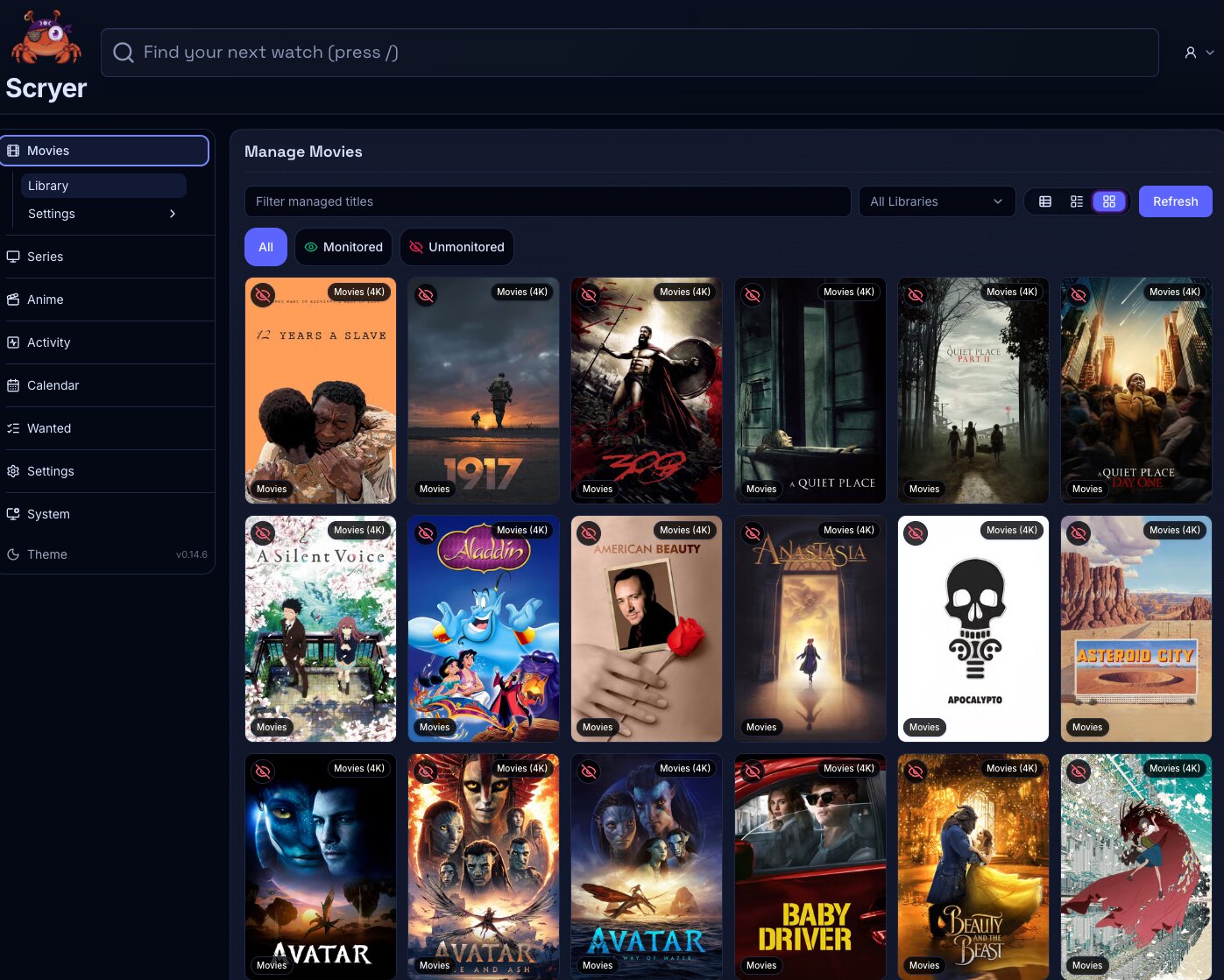
The Movie Library is where you add, browse, and maintain every movie title Scryer tracks — the main title overview for the Movies facet.
- To access: Movies → Library in the left sidebar
- To view: Requires
viewlibrary permission on one or more libraries - To make changes: Bulk operations and state changes require
manageTitleslibrary permission
(Click to Zoom Image)
Open Original
Working In The Library
Section titled “Working In The Library”If this is your first time here, add a movie by searching for the title, then confirm the root folder and quality profile before saving — the title appears in this list once Scryer begins tracking it.
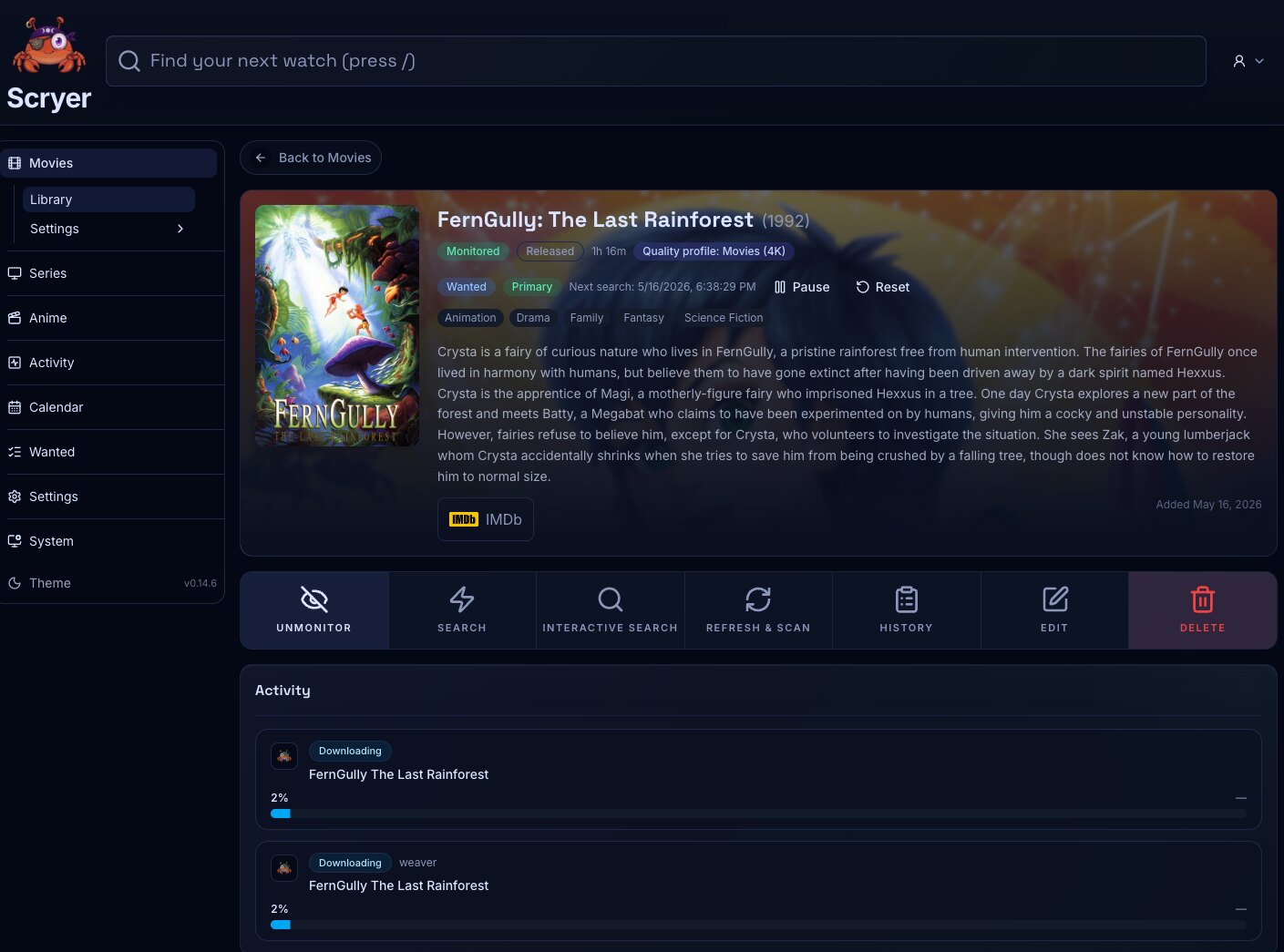
If something looks wrong with a title, open it from this list to see its files, monitoring state, and path. Most single-title problems start here before moving to Import or Wanted.
If many titles look wrong at once, use the filter and sort controls to surface the pattern — mismatched profiles, broken paths, or unmonitored titles — then use bulk actions to correct them before going to Settings for a policy fix.
(Click to Zoom Image)
Open Original
Related Concepts
Section titled “Related Concepts”- Title Overview — the detail page for a single movie title showing metadata, files, and history
- Monitoring — controls whether Scryer keeps evaluating a title for new or better files
- Quality Profile — reusable policy that defines acceptable quality levels and cutoff for a title
- Movie Import — where manual import decisions for movie titles are resolved
- Movie Library Settings — root and scan configuration for the Movies facet
- Wanted Items — titles Scryer has flagged as missing or below cutoff