Post-processing
Post-processing settings are where you choose the actions Scryer can run after import or library changes.
- To access: Settings → Post-processing
- To view: Requires
manageCatalogSettingsapp permission
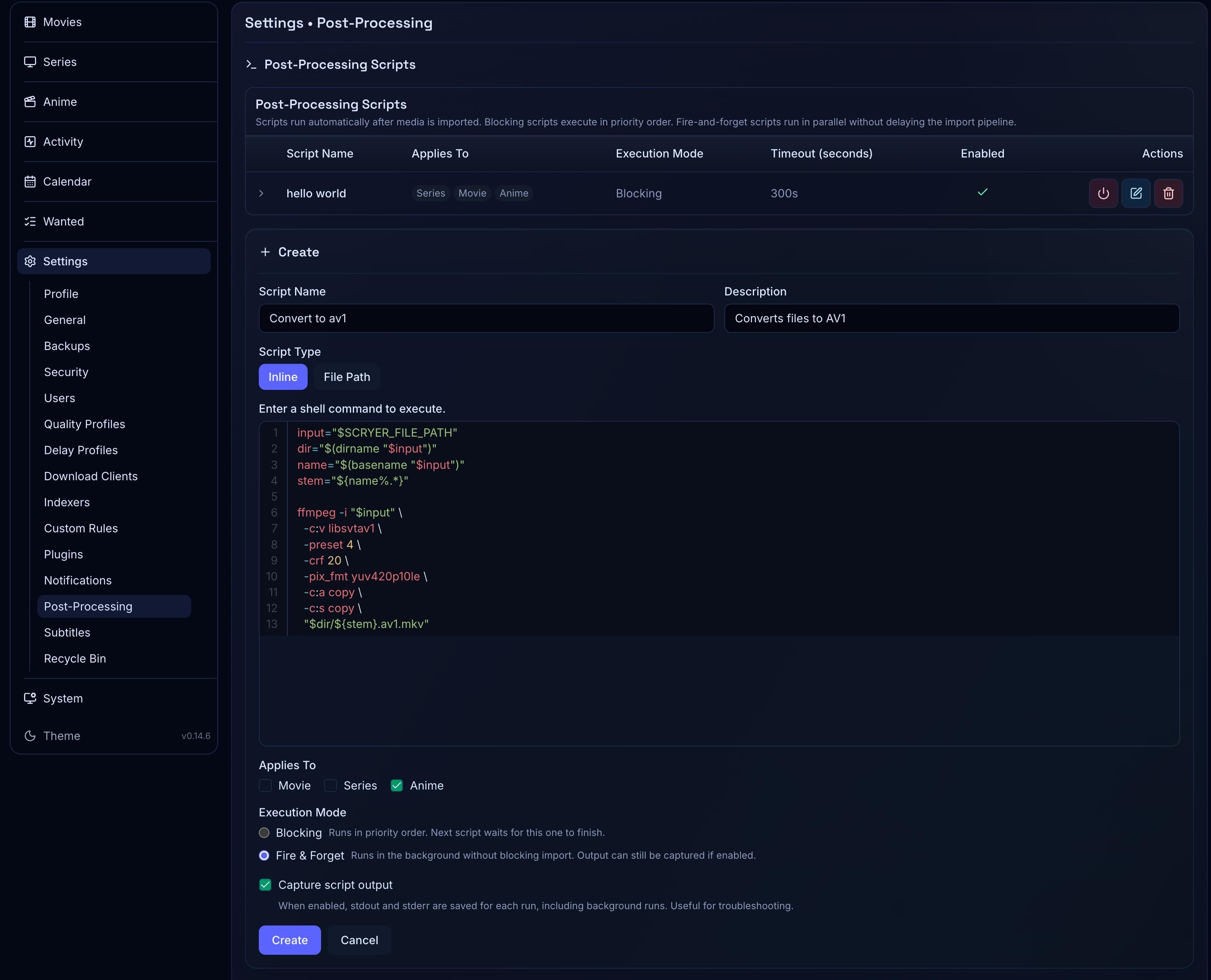
Working In Post-processing
Section titled “Working In Post-processing”If files are landing in the library but not being cleaned up or processed as expected, review which steps are enabled here before assuming the issue is in import or renaming settings.
If you’re about to change rename templates, review the post-processing chain here first — rename changes affect what post-processing steps receive and operate on.
Here you enable or disable supported post-processing steps and review the processing order where it’s surfaced. These steps interact with import, renaming, and recycle bin settings, so coordinate changes across all of them — and keep post-processing conservative until you’ve validated the underlying path and rename behavior.
Disabling a step is a useful move while diagnosing import behavior. Review these settings again after changing rename templates, and after any change here, validate one representative import to see the full post-import chain end to end.
Related Concepts
Section titled “Related Concepts”- Activity History — durable log of completed post-processing steps and their outcomes
- Recycle Bin — controls whether deleted files during post-processing are moved to a safe folder instead of permanently removed
- Movie Renaming Settings — rename templates whose results feed into the post-processing chain