Wanted History
To trace how a title entered or left wanted state, check Wanted History — the title-centric record of wanted state changes.
- To access: Wanted → History
- To view: Requires
manageTitleslibrary permission on at least one library; only shown when that permission is held
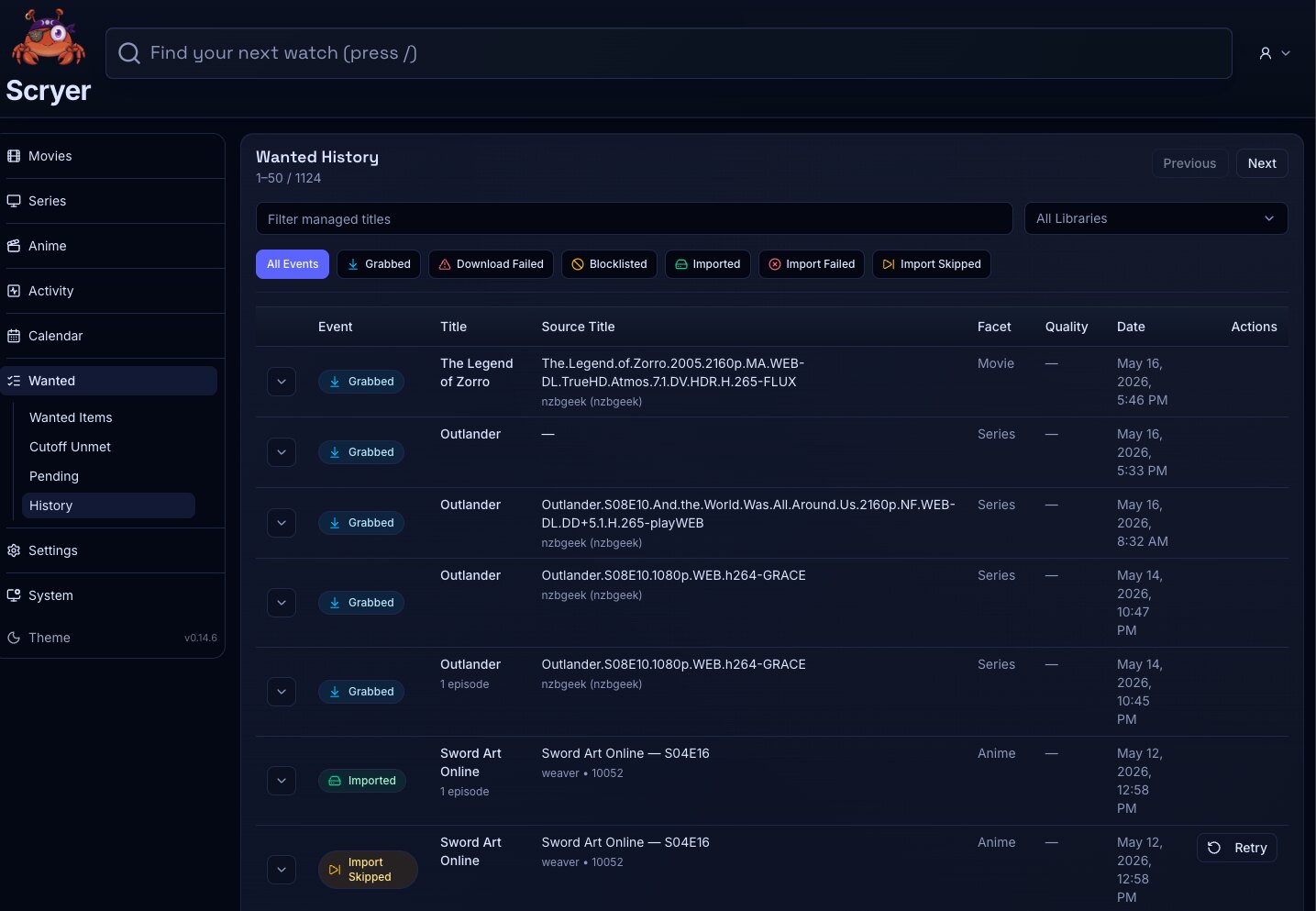
(Click to Zoom Image)
Open Original
Working In Wanted History
Section titled “Working In Wanted History”If a title disappeared from Wanted and you want to know why, filter by that title here to see the state transition before assuming something went wrong.
If you suspect a monitoring or settings change affected what appears in Wanted, trace the state changes here before adjusting configuration — the answer is often already in this log.
- Filter rows by facet, title, status, or time range where supported.
- Open the related title overview.
- Review when an item entered or left wanted state.
- Confirm why a title stopped appearing in Wanted.
- Review whether a monitoring change affected wanted state.
- Compare title history with operational events when troubleshooting.
Wanted History is title-centric: it follows wanted state for monitored items. Activity History is event-centric: it records operations such as scans, imports, and provider actions.
Wanted History
Section titled “Wanted History”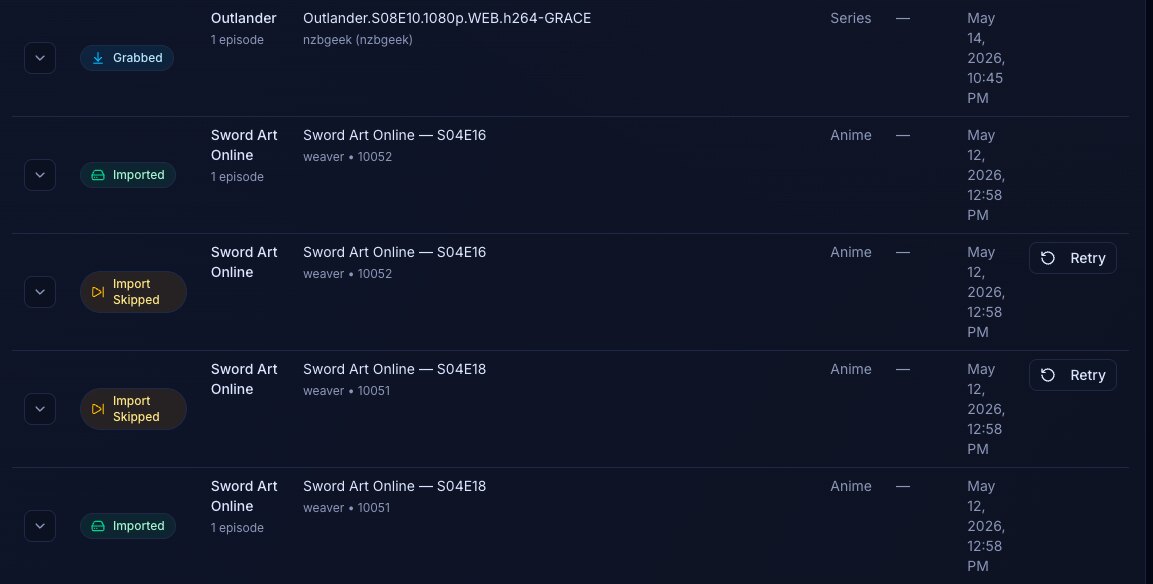
(Click to Zoom Image)
Open Original
Related Concepts
Section titled “Related Concepts”- Wanted Items — current list of monitored titles that are missing a file; history explains how items got there
- Activity History — event-centric log of operations; complements this title-centric wanted state record
- Permissions And Navigation — access grants that control which history entries you can view