Users
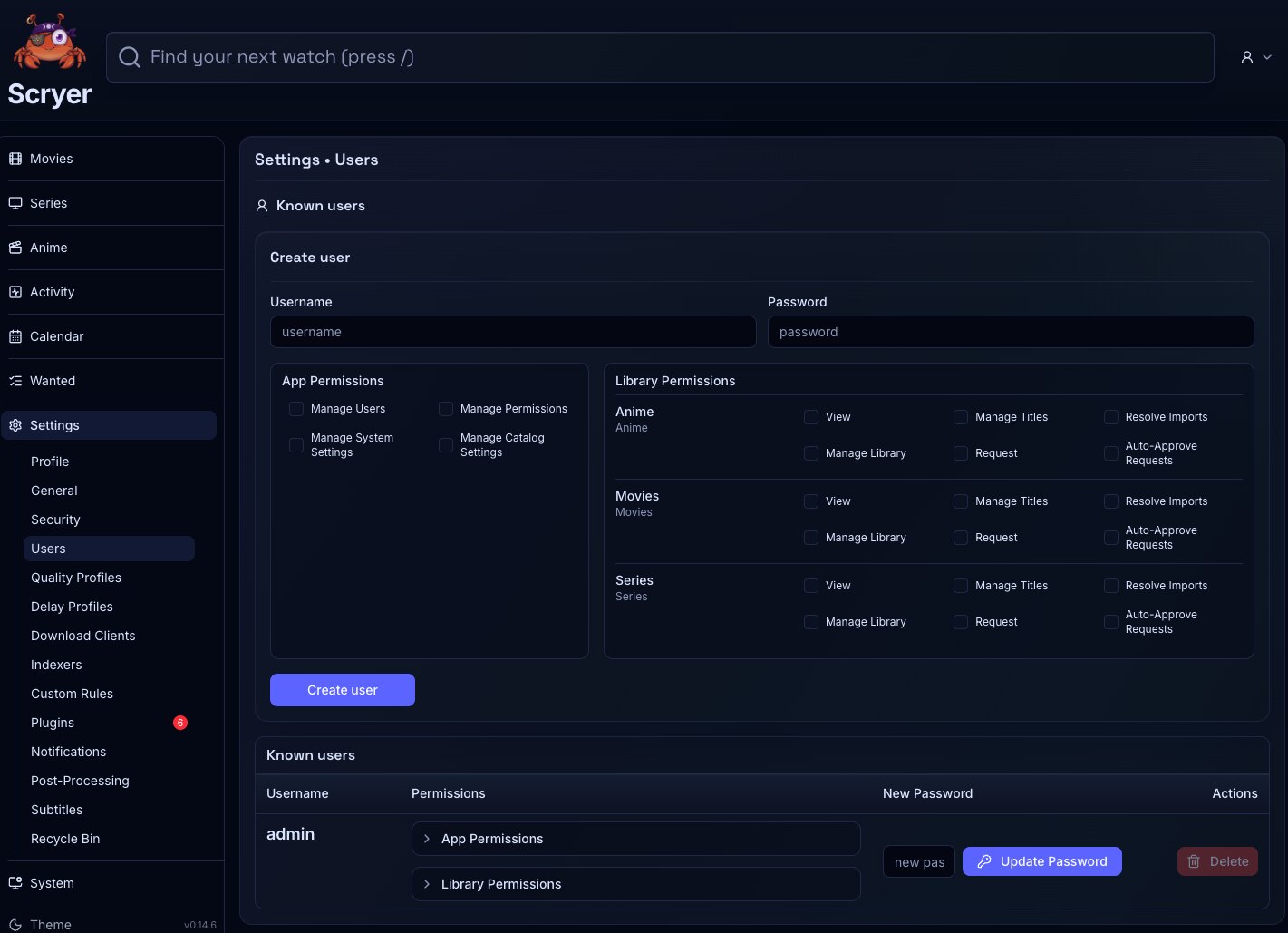
Users settings is where you manage accounts and access within Scryer.
- To access: Settings → Users
- To view: Requires
manageUsersormanagePermissionsapp permission
Working In Users Settings
Section titled “Working In Users Settings”If a user can’t see a page or section they should have access to, find their account here and review which permissions are assigned before changing anything else.
If you’re onboarding a new operator, create the account here and assign only the permissions their role actually requires — it’s easier to add access later than to audit and remove it.
Here you review user accounts, update roles or permissions where available, and disable or remove accounts according to local policy. Typical jobs include creating an operator account with access to Activity but not global Settings, reviewing permissions when someone can’t see Import, Wanted History, or System pages, and removing access for an account that no longer needs the instance.
Prefer small, intentional permission changes, then verify each one from that person’s expected workflow.
Related Concepts
Section titled “Related Concepts”- Profile — personal account settings each person sees after signing in
- Security — authentication and session security options that apply to all accounts on the instance
- Permissions And Navigation — how access grants control sidebar visibility and page access for each user